


Think you can protect your trades with grit and constant screen-watching?
That’s a risky plan.
OCO brackets (one-cancels-the-other) plus alerts automate the two big decisions: where you cut losses and where you take profits.
They work while you sleep, while your laptop dies, or when news hits.
This post shows how to set OCO orders and matching alerts across platforms, choose sensible stops and targets, and build clear scenarios with invalidation and sizing rules.
By the end you’ll have a repeatable, hands-off risk plan that enforces discipline.
Core Function of OCO Orders in Automated Risk Management

OCO stands for One-Cancels-the-Other. It’s an order type that links two opposing instructions together so when one executes, the platform automatically cancels the other. You’re creating a bracket: one side protects downside (your stop), the other locks in upside (your target). Price hits either trigger, that order fills, and the other one gets pulled instantly. No manual cancellation needed.
This automates the two biggest decisions in active trading: where you exit when you’re wrong and where you take profit when you’re right. Instead of watching every price tick and deciding in real time whether to cut or bank, you define those levels upfront and let the system enforce them. You buy a stock at $50, set a stop at $48 and a target at $56. The OCO makes sure you exit somewhere between those two levels without being glued to the screen.
The real value? Reliability and emotional neutrality. Markets move fast. Gaps happen. News hits. Volatility spikes when you’re asleep, stuck in a meeting, or just distracted. OCO orders protect positions around the clock without fatigue or hesitation. They remove the temptation to override your plan when fear or greed shows up.
Because OCO brackets operate within the exchange or broker infrastructure, they survive disconnections from your device. Laptop crashes? Phone dies? The orders stay live. That resilience is why many traders treat OCO not as some advanced feature but as a baseline requirement for any platform they consider.
OCO isn’t a set-and-forget miracle. You still need sensible stop placement, realistic targets, and appropriate position sizing. But once those inputs are decided, OCO takes over execution and keeps discipline locked in. It transforms your risk thesis into enforceable protection that doesn’t depend on your availability or willpower.
How Alerts Integrate With OCO Systems for Hands‑Off Protection

Alerts are the notification layer that tells you what happened when an OCO order executes. They don’t replace the automatic cancellation logic. They supplement it by giving immediate confirmation and situational awareness. Your stop triggers or your target fills, you get a message via push notification, SMS, or email. That notice tells you the position is closed and which side of the bracket activated.
This integration matters because automated execution without awareness creates blind spots. You might check your account hours later and discover you got stopped out during a news spike. Or you might miss that your target filled and a reversal is underway. Alerts close that gap. They deliver a timestamped record of every trigger, so you stay informed even when you’re away from the platform.
Most trading platforms allow custom alert configuration. You set conditions: price crosses a threshold, an order fills, or volume exceeds a multiple of average. Once triggered, the platform sends the alert through your chosen channel. Pairing those alerts with OCO orders means you get notified the moment one leg of the bracket executes, and you know immediately that the opposing order has been canceled.
Alerts also support post-trade review. When you log every stop and target trigger, you build an audit trail. Over time, that trail reveals patterns. How often are you stopped versus taken out at target? Are your stops too tight? Are your targets unrealistic? The data becomes input for refining future OCO settings.
The key is matching alert urgency to your workflow. If you trade intraday and need to know within seconds, use push notifications or webhooks. If you swing-trade and review once per session, email works fine. Either way, alerts make sure OCO automation doesn’t leave you guessing about what happened while you were offline.
Step‑By‑Step Setup of OCO Orders and Alerts Across Major Trading Platforms

Setting up an OCO order starts with selecting the right order type in your platform’s order-entry interface. Most brokers and exchanges label it as “OCO,” “bracket,” or “one-cancels-other.” Some platforms bundle it under advanced order options. Once you locate it, the general flow is consistent across systems.
Step one: choose your entry method. You can enter the market immediately (market order) or wait for a specific price (limit order). If you’re already in a position, you attach the OCO bracket to the open trade. If you’re planning an entry, many platforms let you combine entry and bracket in a single order chain.
Step two: define your stop level. Decide whether you want a stop-market order (executes at the next available price once your stop is hit) or a stop-limit order (only fills within a specified price range). Stop-market guarantees execution. Stop-limit protects against slippage but risks non-execution in fast markets. Input the trigger price and, if using stop-limit, the acceptable fill range.
Step three: set your take-profit target. This is usually a limit order placed above your entry (for longs) or below (for shorts). The platform asks for the target price. Make sure the distance from entry reflects a realistic reward-to-risk ratio. Common practice is at least 1:2. Risk one dollar to make two.
Step four: link the two orders as an OCO pair. Most interfaces do this automatically when you select the bracket or OCO order type. Double-check that the system shows “if filled, cancel opposing order” logic. Some platforms display this as a visual bracket on the chart.
Step five: configure your alerts. Open the alert or notification settings menu. Create a new alert condition tied to order fills. Many platforms offer templates like “alert me when any order in symbol X fills.” Choose your delivery method (push, SMS, or email) and confirm. Test the alert by placing a small practice trade if your platform offers paper or demo mode.
Step six: review and submit. Before hitting confirm, verify every field: symbol, quantity, entry price, stop price, target price, order type for each leg, and alert settings. A single typo can invert your bracket or disable the OCO link. Once confirmed, the platform activates all three components: entry, stop, target, and alerts.
After submission, monitor the open order panel. You should see two resting orders labeled as part of an OCO group. When one fills, the other should vanish within seconds. If you don’t see that behavior, contact support. Your orders may not be properly linked. Regular practice in demo mode builds confidence and exposes platform quirks before live capital is at risk.
Practical OCO Configurations for Loss Protection and Profit Capture
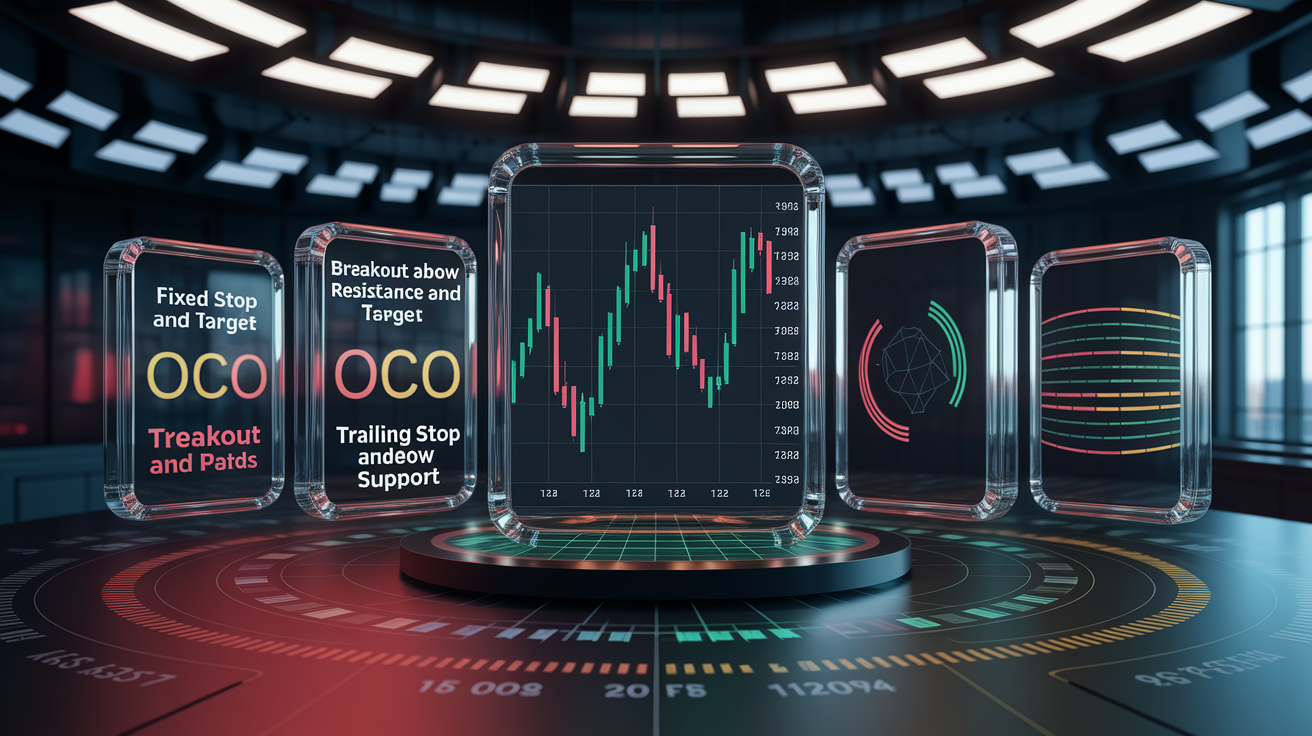
The simplest OCO setup pairs a tight stop with a realistic target. A swing trader buys shares at $100, sets a stop at $97, and a limit sell at $109. Risk per share: $3. Reward per share: $9. Ratio: 1:3. If price drops to $97, the stop-market executes and the $109 limit cancels. If price rallies to $109, the limit fills and the stop cancels. The trader is out either way, with no orphaned order left behind.
For breakout entries, traders often use an OCO to manage both directions before price commits. Place a buy-stop above resistance at $52 and a sell-stop below support at $48. Whichever side breaks first triggers entry, and the other order cancels. Once in, attach a second OCO bracket with your stop and target. This chain (entry OCO followed by exit OCO) automates the entire trade from trigger to close.
Trailing stops can integrate with OCO logic when platforms support dynamic stop updates. As price moves in your favor, the stop trails upward (for longs) while the fixed take-profit remains static. When price reverses and hits the trailing stop, the OCO cancels the target. This configuration locks in gains while capping downside. Useful in trending markets where you want to ride momentum but protect against sudden reversals.
Volatility-adjusted brackets use ATR (Average True Range) to scale stop and target distances. If ATR(14) on a stock is $2.00, a trader might set the stop 1.5 × ATR = $3.00 away and the target 3.0 × ATR = $6.00 away. This approach adapts bracket width to market conditions. High volatility widens the bracket to avoid premature stops. Low volatility tightens it to capture smaller moves. The OCO enforces those calculated distances without requiring manual adjustment every bar.
Layered exits split the position across multiple OCO pairs. Buy 200 shares at $50. Set OCO pair one: stop at $48, target at $54 for 100 shares. Set OCO pair two: stop at $48, target at $58 for the remaining 100 shares. If price hits $54, half the position exits and the stop on the second half remains. If price reverses and hits $48, both stops execute and both targets cancel. This method balances early profit-taking with exposure to extended moves.
Each configuration reflects a different market view and risk tolerance. The key is internal consistency. Stop placement should align with chart structure or volatility, targets should reflect realistic price objectives, and position sizing should make sure that a stop-out doesn’t exceed your per-trade risk limit. OCO turns those rules into automatic enforcement, so the plan executes exactly as designed.
Comparison of Alert Types and Their Uses in Risk Control
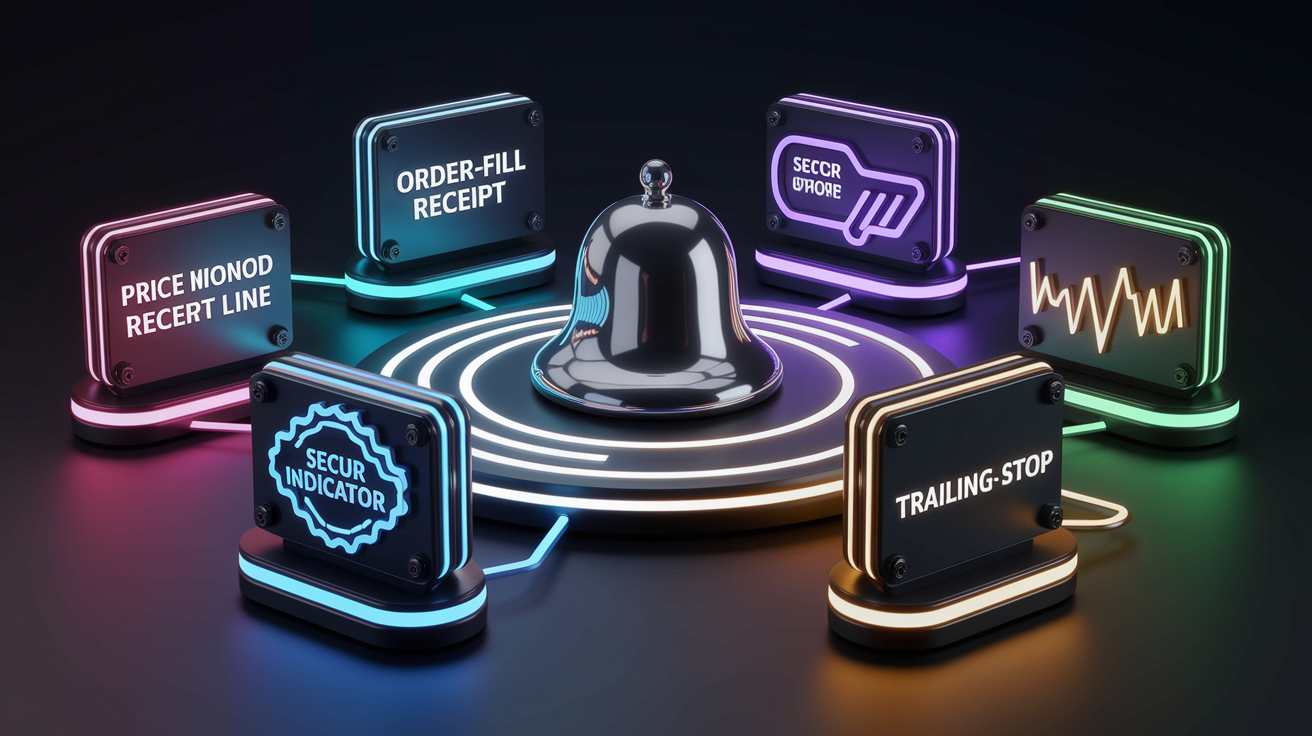
Price alerts trigger when an asset crosses a specified level. Set an alert at $105 on a stock, and you’ll receive a message the moment it trades there. Price alerts are useful for tracking key support and resistance without holding a position. They can also confirm that your OCO stop or target has been approached, prompting you to check order status or adjust remaining brackets.
Order-fill alerts notify you the instant an order executes. Most platforms send these automatically for every fill, but you can customize frequency and delivery method. When an OCO stop fills, the order alert tells you exactly when and at what price. This real-time confirmation is critical for intraday traders who need to know immediately that a position is closed and capital is freed for the next setup.
Conditional alerts combine multiple criteria using AND or OR logic. For example, “alert me if price crosses $50 AND volume exceeds 2× the 20-period average.” Conditional alerts reduce false triggers by requiring confluence. In an OCO context, you might set a conditional alert to fire only if your stop is hit during high-volume periods, signaling genuine momentum rather than random noise.
Indicator alerts tie to technical studies like moving averages, RSI, or MACD. An alert fires when RSI crosses below 30 or when price closes above the 50 EMA. These alerts often serve as pre-OCO signals. When the indicator confirms your thesis, you place the OCO bracket. They bridge the gap between signal generation and automated execution, letting you review conditions before committing capital.
Trailing-stop alerts update dynamically as price moves. The alert threshold follows price upward (for longs) or downward (for shorts). If your platform supports trailing OCO orders, the alert mirrors that behavior, notifying you when the trailing stop tightens or when it’s finally triggered. This keeps you aware of how much profit has been locked in without needing to refresh charts constantly.
Different alert types suit different workflows. Scalpers rely on order-fill alerts for instant confirmation. Swing traders use price and indicator alerts to monitor setups over days. Position traders prefer conditional alerts that filter out minor fluctuations. Combining multiple alert types with OCO brackets creates layered awareness. You know when to enter, when either side of the bracket hits, and when market conditions shift enough to warrant review.
Platform Features to Look for When Choosing Automated Risk Tools

OCO flexibility is the foundation. The platform must support true one-cancels-other logic, not just side-by-side orders that require manual cancellation. Check whether the system allows stop-market, stop-limit, and trailing stops within the OCO pair. Some brokers restrict OCO to specific order types or asset classes, which limits usefulness.
Alert customization determines how effectively you stay informed. Look for platforms that let you define custom price levels, combine conditions with AND/OR logic, and choose delivery channels (push, SMS, email, webhook). Platforms with robust alert engines (like TradingView) allow hundreds of simultaneous alerts across multiple symbols and timeframes. Brokers with limited alert slots force you to prioritize, which can leave gaps in coverage.
Mobile functionality matters for traders who are away from desks. The mobile app should display OCO brackets visually on charts, allow in-app modification of stop and target levels, and deliver push notifications instantly. Test whether you can place, modify, and cancel OCO orders entirely from your phone. Platforms that relegate OCO to desktop-only force you back to a computer when adjustments are needed.
API and automation depth become critical if you integrate external tools or custom scripts. Brokers with open APIs (Interactive Brokers, Alpaca, Binance) let you place OCO orders programmatically and receive webhook callbacks when orders fill. This lets you build advanced workflows. Alerts from one platform (TradingView) can trigger OCO placement on another (your broker) via middleware. If you plan to build automated strategies, API access and documentation quality are non-negotiable.
Order-status transparency helps you verify that OCO links are active. The platform should clearly label which orders are paired and show real-time status updates. Some interfaces highlight OCO groups with color-coding or bracketed lines on the chart. Poor visibility increases the risk of accidental double-orders or orphaned stops.
Execution speed and reliability underpin everything. OCO logic depends on the platform’s ability to cancel the opposing order instantly when one leg fills. Delays or failures in that cancellation can leave you with unintended exposure. Research platform uptime, read user reviews about order execution during volatile periods, and confirm that the broker’s infrastructure can handle rapid market moves without order rejections.
Choose platforms that treat automated risk control as a core feature, not an afterthought. The best systems integrate OCO, alerts, charting, and mobile access seamlessly, so you can define, deploy, and monitor risk protection from any device at any time.
Best Practices for Automated Risk Control Using OCO and Alerts

Align stop placement with chart structure and volatility. Use support and resistance levels, swing highs and lows, or ATR multiples to set stops that respect how the market actually moves. A stop placed arbitrarily (say, exactly 2% below entry regardless of context) ignores price behavior and invites premature exits. Realistic stops give trades room to breathe while still capping loss to an acceptable amount.
Set take-profit targets based on measurable objectives. Identify prior resistance, Fibonacci extensions, or key round numbers as logical exit points. Avoid wishful thinking. Don’t set a target at $120 just because it would be a nice gain if the recent high is $110 and no structural reason exists for price to reach $120. Unrealistic targets mean you rarely hit them, turning winning setups into break-evens when price reverses.
Size positions so that a stop-out matches your per-trade risk limit. If you risk 1% of a $50,000 account, that’s $500. Calculate how many shares or contracts fit within that $500 loss given your chosen stop distance. This makes sure that even if the stop executes, the damage is contained and your account can withstand a string of losses without significant drawdown.
Review OCO settings before every trade. Double-check symbol, quantity, stop price, target price, and order types. A misplaced decimal or reversed stop can turn protection into catastrophe. Make it a pre-trade checklist item: verify bracket, confirm alerts are enabled, make sure OCO link is active.
Monitor alert delivery and test notification channels regularly. Send test alerts weekly to confirm push notifications, SMS, and email are all working. If you rely on alerts to know when a stop hits and the channel is broken, you lose situational awareness. Redundancy helps. Enable multiple delivery methods so that if one fails, another gets through.
Adjust brackets when market conditions shift. Volatility changes, news events alter price structure, and overnight gaps can render yesterday’s stop levels obsolete. Review open OCO orders daily. If ATR has doubled or a new support level has formed, update your stop and target accordingly. Automation doesn’t mean set-and-forget. It means the system enforces the rules you actively maintain.
Keep a trade log that records every OCO trigger. Note which side filled, at what price, and what the market was doing at the time. Over weeks and months, patterns emerge. Stops too tight, targets too ambitious, or alert thresholds generating excessive noise. Use that data to refine future OCO configurations and alert settings.
Implement a kill-switch or daily loss limit. If cumulative losses hit a predefined threshold (say, 3% of account equity in one day), pause all automation and review. OCO and alerts protect individual trades, but they don’t guard against a bad trading day turning into a catastrophic one. A manual or automated circuit-breaker makes sure you step back before damage compounds.
Effective automated risk control combines precise setup, ongoing oversight, and disciplined adherence to risk rules. OCO orders and alerts handle execution and notification, but the quality of those outcomes depends entirely on the logic you program into them and the vigilance you maintain around them.
Final Words
Price hit the stop and the OCO bracket did its job. You didn’t have to watch the screen.
We covered OCO order meaning, how alerts tie in, step-by-step setup across platforms, practical bracket examples, alert types, platform features, and best practices for keeping risk in check.
Use automated risk controls with OCO and alerts by setting sensible stops, testing alert delivery, and reviewing brackets after trading. Trade cleaner and with more confidence.
FAQ
Q: What are the 4 types of risk control? / What are the 5 risk controls?
A: The main types of risk control are either the four: avoid, reduce, transfer, accept; or the five-step hierarchy: eliminate, substitute, engineering controls, administrative controls, PPE.
Q: Can ChatGPT do a risk assessment?
A: ChatGPT can assist with a risk assessment by analyzing inputs, flagging risks, and suggesting controls, but it can’t replace professional judgment or access live systems—validate its output before acting.
Q: What is an example of an automated control?
A: An example of an automated control is an OCO order that links stop-loss and take-profit so one fills and the other cancels, protecting positions without manual monitoring.